Tools for creating object detection datasets and training
Dataset: Videos of different people
Objective: Model capable of doing object detection to distinguish different people
Tools: Roboflow automated labeling and YOLOv9 for the object detection task.
Roboflow automated labeling
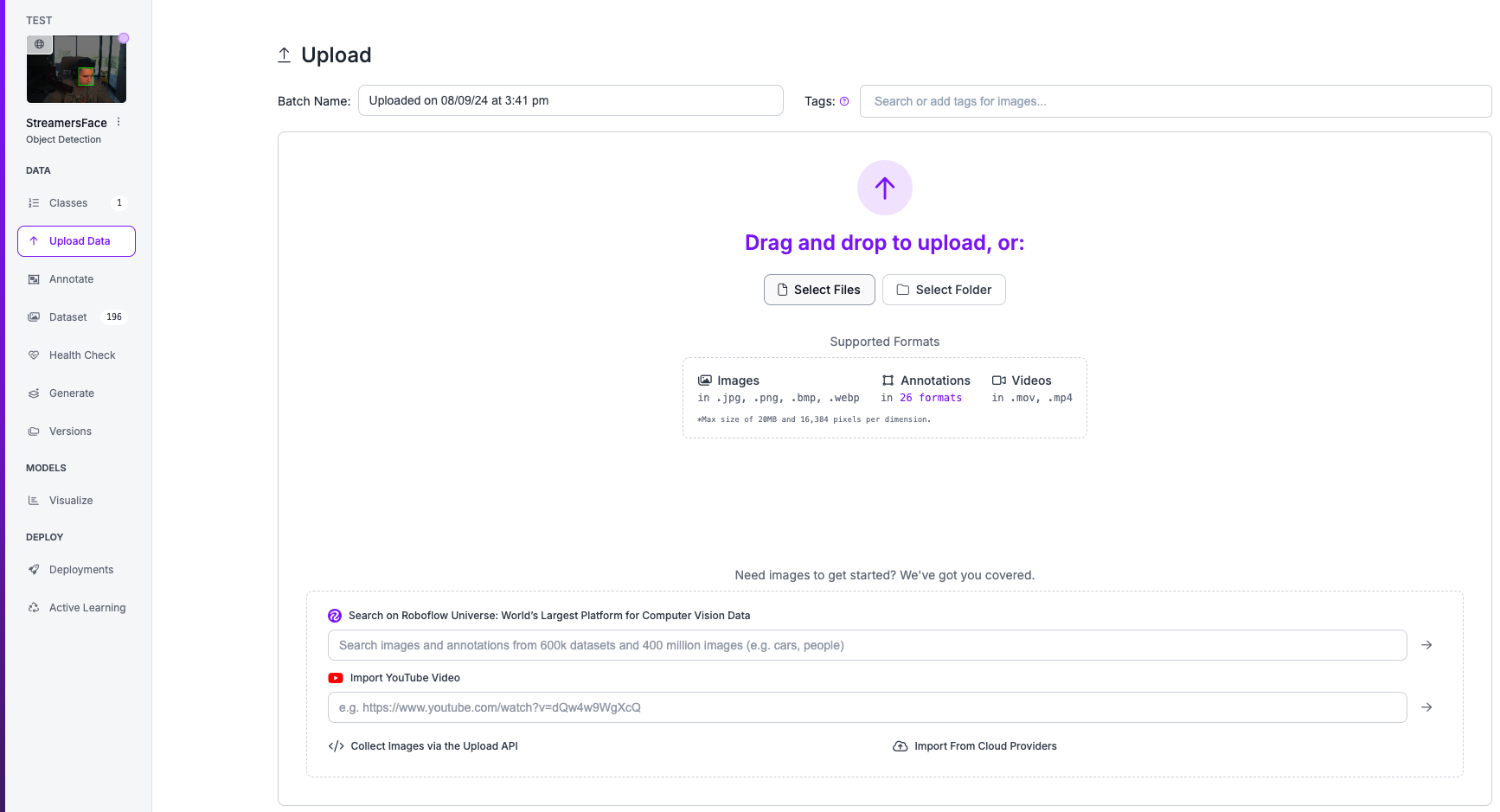
Create a roboflow project and upload your files
Create a roboflow project and upload videos of each of the classes you want your model to detect. In our case it means uploading the videos of each unique person.
Autolabeling with GroundingDINO
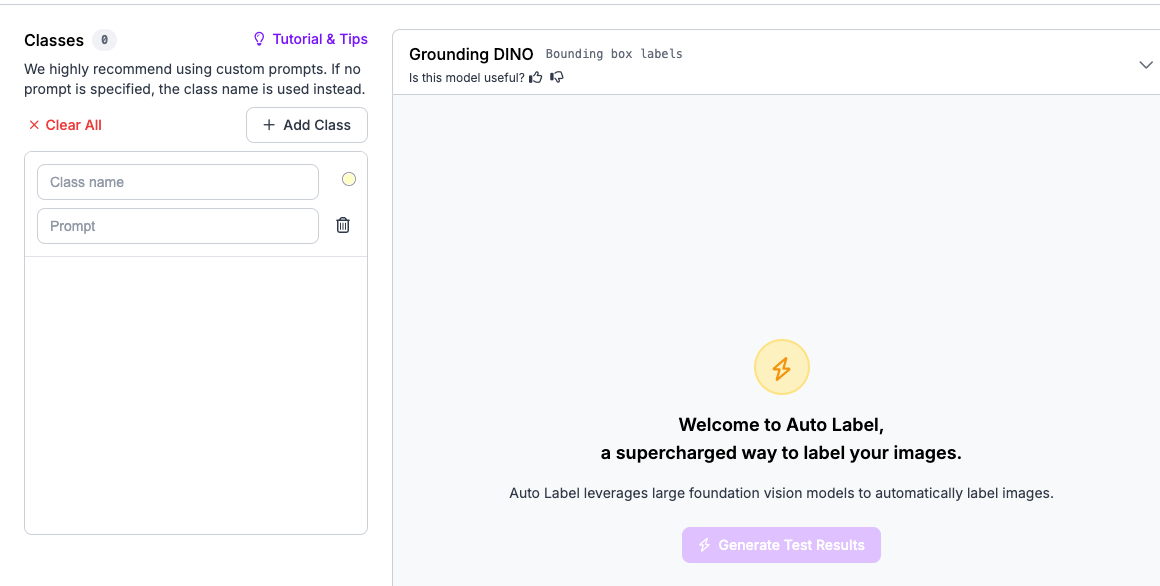
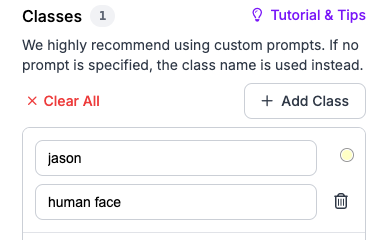
Select the autolabeling which will greatly accelerate your annotation using GroundingDINO to automatically assign the bounding boxes and the desired label name using a text prompt to detect your person/object.
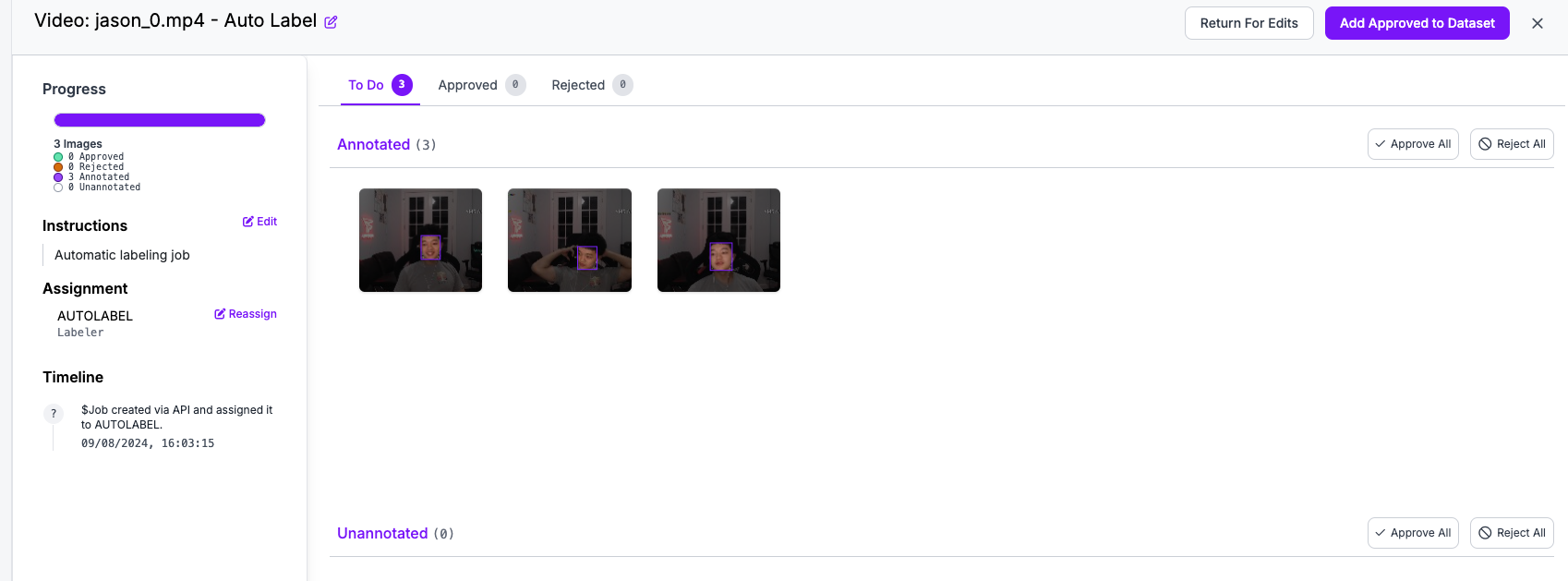
Annotations review
You can quickly review the annotations by double clicking a sample to open manual review and either edit, approve or reject the samples.
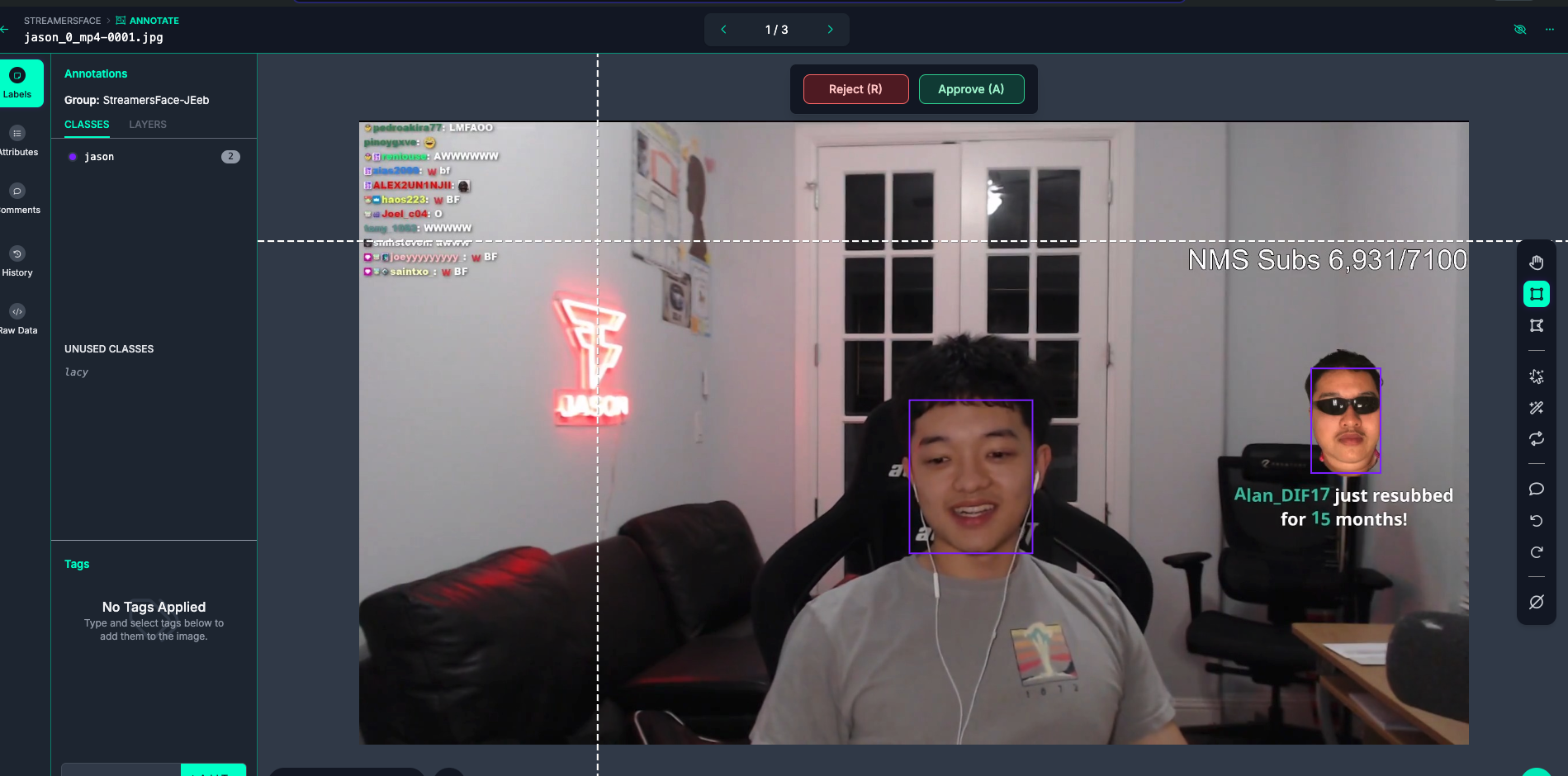
After you are satisfied with your samples click “Add Approved to Dataset”. Repeat this process for each class.
Exporting the dataset to train the YOLO model
After the previous step you will end up with your custom object detection dataset.
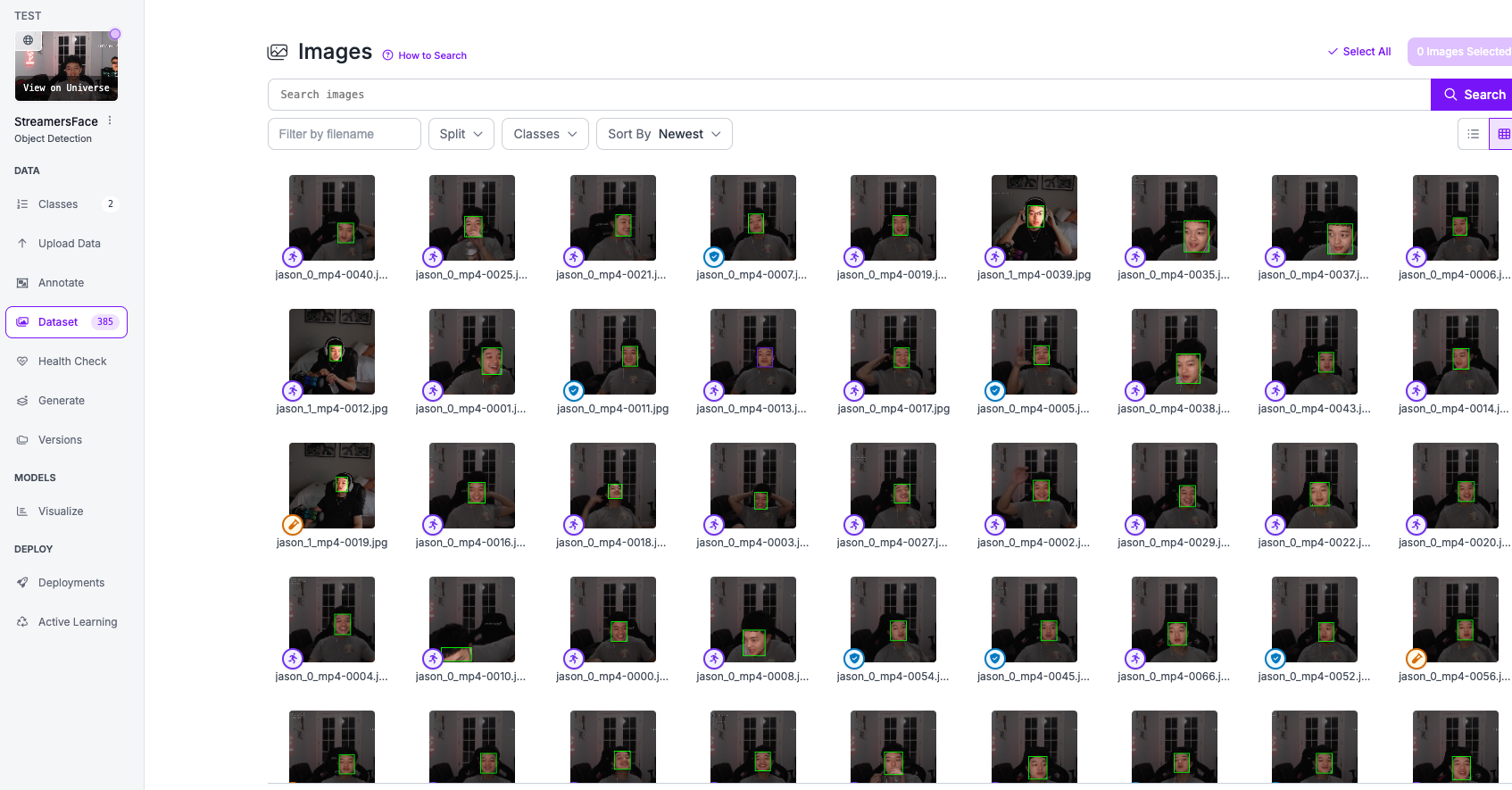
Go to the generate tab to export your dataset and add preprocessing and augmentation if desired.
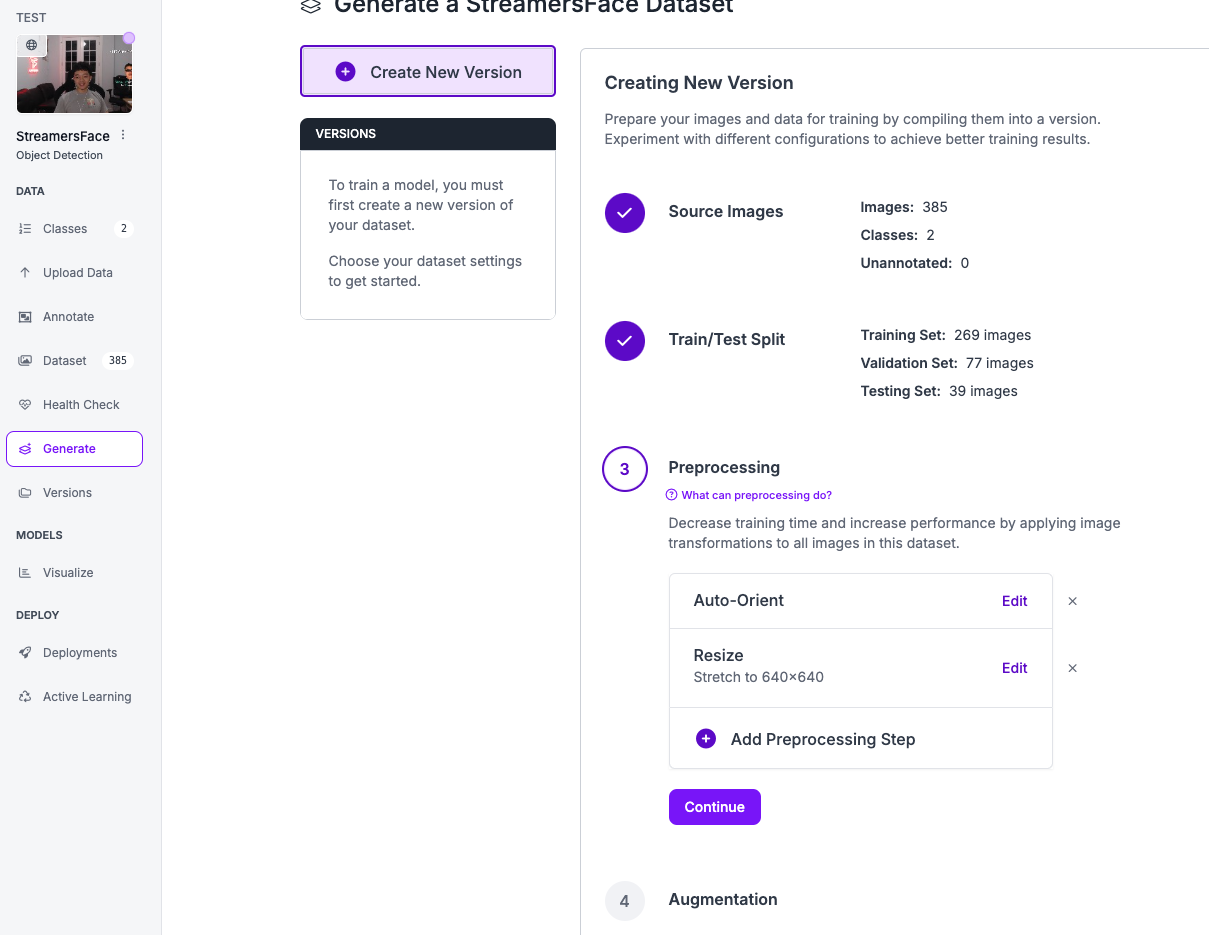
For example, random saturation and zooming.
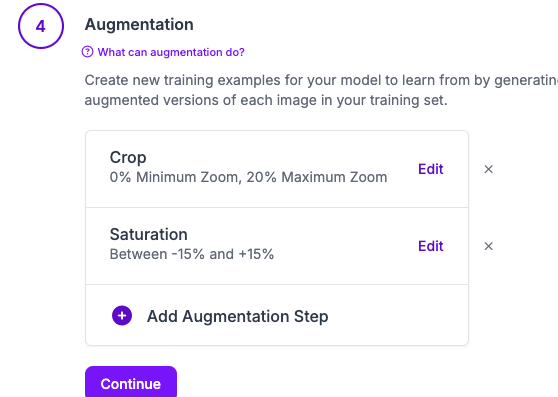
Finally, after creating the new augmented dataset press export dataset and choose the YOLOv9 format (or whatever model you will use).
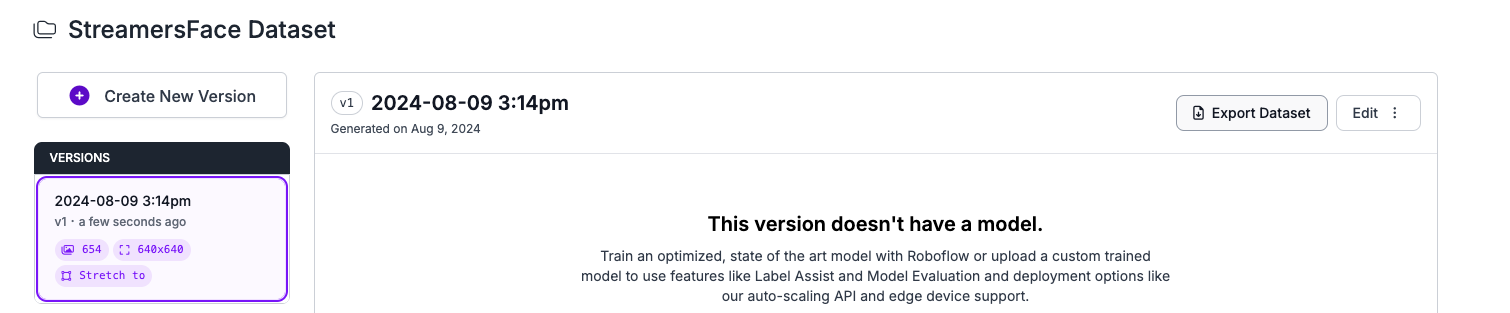
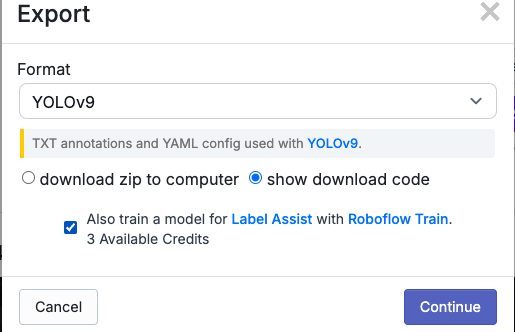
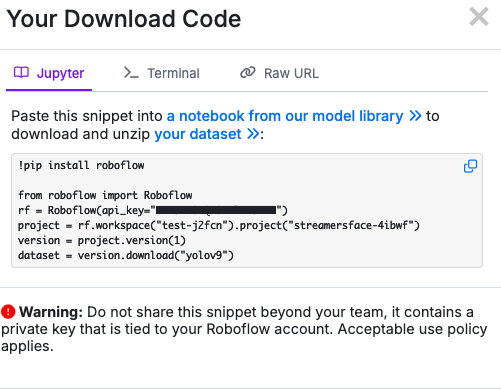
The show download code will you give a code snippet which we will use to train the YOLO model.
Train a YOLO model using the Ultralytics library
Open a google colab or any python IDE and execute the following lines of code. Install ultralytics
!pip install ultralytics
The following code is the snippet you copied from the roboflow export dataset step.
!pip install roboflow

from roboflow import Roboflow
rf = Roboflow(api_key="your_key")
project = rf.workspace("test-j2fcn").project("streamersface-4ibwf")
version = project.version(1)
dataset = version.download("yolov9")
After running that code you should be able to see the folders with your custom dataset. In that folder there is a file called data.yaml. In case you are using google colab please edit that paths to include “/content/”.

Load the model
from ultralytics import YOLO
# Load a model
model = YOLO("yolov9c.pt") # load a pretrained model (recommended for training)
Train the model by giving it the data.yaml file of your roboflow dataset
# Train the model with 2 GPUs
results = model.train(data='/content/StreamersFace-1/data.yaml', epochs=30, imgsz=640)
After training you will have the weights of the model in a runs folder.

Download the best.pt weights so that you can use your train model for inference later.
Inference of the trained model
After saving the model weights we use ultralytics library for inference. Do not do this in colab since it will not be able to show the object tracking window.
from ultralytics import YOLO
model = YOLO('best.pt')
model.track(source='video_path.mp4', imgsz=640, conf=0.3,show=True)